DITO eSIM Activation Made Easy: Step-by-Step Guide You’ll Love
DITO has embraced this trend by offering DITO eSIM activation for compatible devices, making it easier than ever for users to connect without using a traditional SIM card. With eSIM, you can keep your number, enjoy seamless switching between networks, and say goodbye to carrying multiple SIMs around.
In this post, we’ll walk you through everything you need to know about DITO eSIM activation, so you can go digital without losing your number or waiting in lines. Whether you’re a tech-savvy user or just looking for a simpler way to get connected, this guide will make the process quick and stress-free.
What Is an eSIM & Why Choose DITO?
An eSIM, short for embedded SIM, is a digital version of the traditional SIM card. Instead of inserting a physical card into your phone, the eSIM is built into your device and can be activated through a QR code or app. This makes connecting to a mobile network faster and more convenient since you don’t need to wait for a SIM card to be delivered or visit a store.
Choosing DITO eSIM activation comes with several benefits that make it stand out. You get immediate activation without the need for a physical SIM, plus the ability to use dual SIMs on supported phones — perfect if you want to keep both work and personal numbers active at the same time. The eSIM also creates a secure digital profile, reducing the risk of losing or damaging your SIM card.
DITO eSIM activation is ideal for travelers who want to switch networks easily, users who frequently change phones, or anyone who prefers a clutter-free setup without handling multiple SIM cards. With DITO, you can enjoy all the advantages of eSIM technology while experiencing fast and reliable mobile service.
Device Compatibility Check
Before you start with DITO eSIM activation, it’s important to make sure your device supports eSIM technology. Most modern smartphones are now eSIM-ready, but not every model or region is compatible, so checking beforehand saves you time and effort.
Some of the popular devices that support DITO eSIM activation include:
- iPhone models: iPhone XS, XS Max, XR, and all newer models
- Samsung Galaxy devices: Select models from the S20 series and up, Z Flip, Z Fold, and newer flagship phones
- Google Pixel phones: Pixel 3 and later models
To verify if your phone supports DITO eSIM activation, you can check your device settings. On most phones, you’ll find this under “Cellular” or “Mobile Network,” where it should show the option to add an eSIM or digital SIM profile. You can also check the official device compatibility list on DITO’s website to be sure.
Keep in mind that some imported devices may have regional or firmware restrictions that prevent DITO eSIM activation, even if the model itself supports eSIM. Always ensure your phone is open-line and updated to the latest software version to avoid compatibility issues.
Step-by-Step Guide to DITO eSIM Activation
Activating your eSIM is simple and can be done entirely online without visiting a store. Follow this easy process to complete your DITO eSIM activation and start using your digital SIM in minutes.
A. Request DITO eSIM via DITO App or Website
- Open the DITO App or visit the official website.
- Navigate to the “Get eSIM” section.
- Submit a valid ID and complete the KYC (Know Your Customer) verification process.
- Wait for approval; once verified, your DITO eSIM activation will move to the next step.
B. Receive & Scan QR Code
- You’ll receive your unique QR code via email or inside the DITO app.
- On your phone, go to Settings → Cellular/Mobile Data → Add eSIM.
- Scan the QR code to download your digital profile and continue the DITO eSIM activation process.
C. Finalize Setup & Download DITO App
- Follow the on-screen prompts to set the eSIM as your active SIM for calls, texts, and data.
- Restart your device to ensure the changes take effect.
- Log in to the DITO App to manage your account, register your SIM, and access all features after completing your DITO eSIM activation.
- With these quick steps, you can switch to a digital SIM seamlessly and enjoy DITO’s services without waiting in line or handling a physical SIM card.
Common Issues & Troubleshooting Tips
While the process is generally smooth, some users may face minor problems during DITO eSIM activation. The good news is that most issues are easy to fix with a few quick steps.
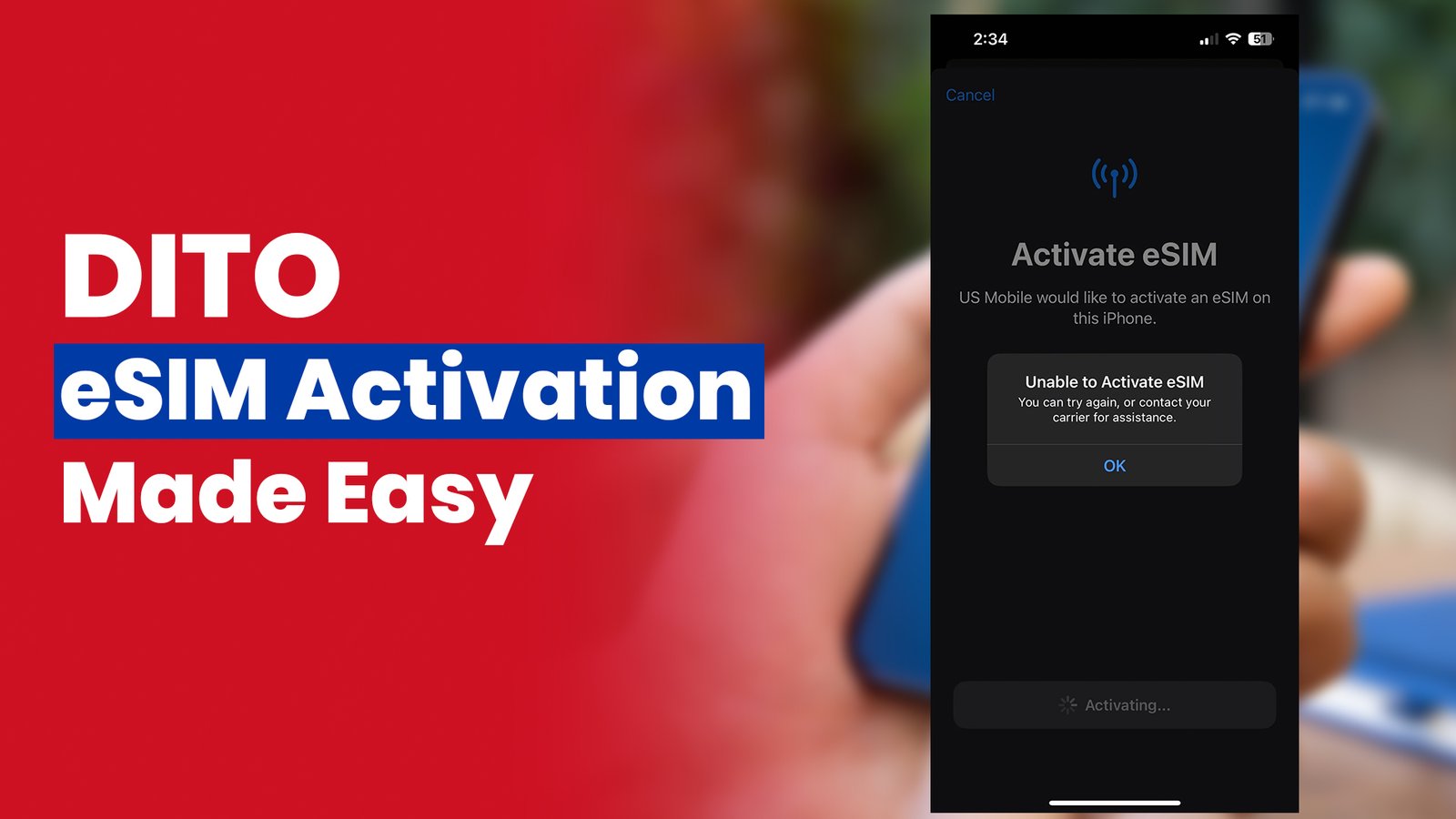
One common issue is a QR code that won’t scan or has expired. If this happens, request a new QR code through the DITO app or website and try again. Another problem some users experience is an activation error where the phone doesn’t detect the eSIM. In such cases, double-check if your device supports DITO eSIM activation and make sure it’s updated to the latest firmware version.
Sometimes, after setup, the device still defaults to the physical SIM instead of the eSIM. To fix this, go into your mobile network settings and switch the data and call priority to the eSIM profile. If the problem continues, you can uninstall and reinstall the eSIM profile and repeat the DITO eSIM activation steps. For persistent issues, reaching out to DITO support through the app or hotline is the best way to get personalized assistance.
Benefits of DITO eSIM Activation
Switching to a digital SIM offers a lot of convenience, and DITO eSIM activation makes the process even easier. One of the biggest benefits is instant setup — there’s no need to swap physical cards or visit a store. You can activate your eSIM online and start using your number in just a few minutes without waiting for delivery or lining up at a kiosk.
Another advantage of DITO eSIM activation is how seamless it makes changing phones. If you upgrade your device, you can easily migrate your eSIM profile without the hassle of removing and reinserting a physical SIM card. This makes it ideal for users who frequently switch devices or want a smoother transition when upgrading.
With DITO eSIM activation, you also get dual-SIM flexibility without the clutter. You can use both a physical SIM and an eSIM at the same time, perfect for managing personal and work numbers on one device. Plus, since there’s no physical card involved, there’s a lower risk of losing or damaging your SIM, giving you a more secure and stress-free mobile experience.
FAQs About DITO eSIM Activation
Conclusion
Switching to digital SIM technology has never been easier, and DITO eSIM activation makes the process smarter, faster, and more convenient. With no need for a physical card or store visits, you can set up your eSIM instantly and enjoy seamless connectivity. It’s a modern solution for users who want flexibility, whether for dual-SIM use, frequent phone upgrades, or a clutter-free setup.
If you have a compatible device, now is the perfect time to try DITO eSIM activation and experience the benefits of going fully digital. You’ll save time, reduce hassle, and enjoy a secure, reliable connection without worrying about losing or damaging a physical SIM.
For more details and step-by-step instructions, visit DITO official eSIM support page or download the DITO App to start your DITO eSIM activation today. It’s quick, easy, and designed to give you the smoothest mobile experience possible.